Get upto 60% Discount

Get upto 60% Discount

Unlimited Access:
$10.00 Original price was: $10.00.$2.99Current price is: $2.99.
Available Download Files

Tired of Restrictions?
Go Unlimited!
Join Our Membership to Download 8400+ Plugins & Themes

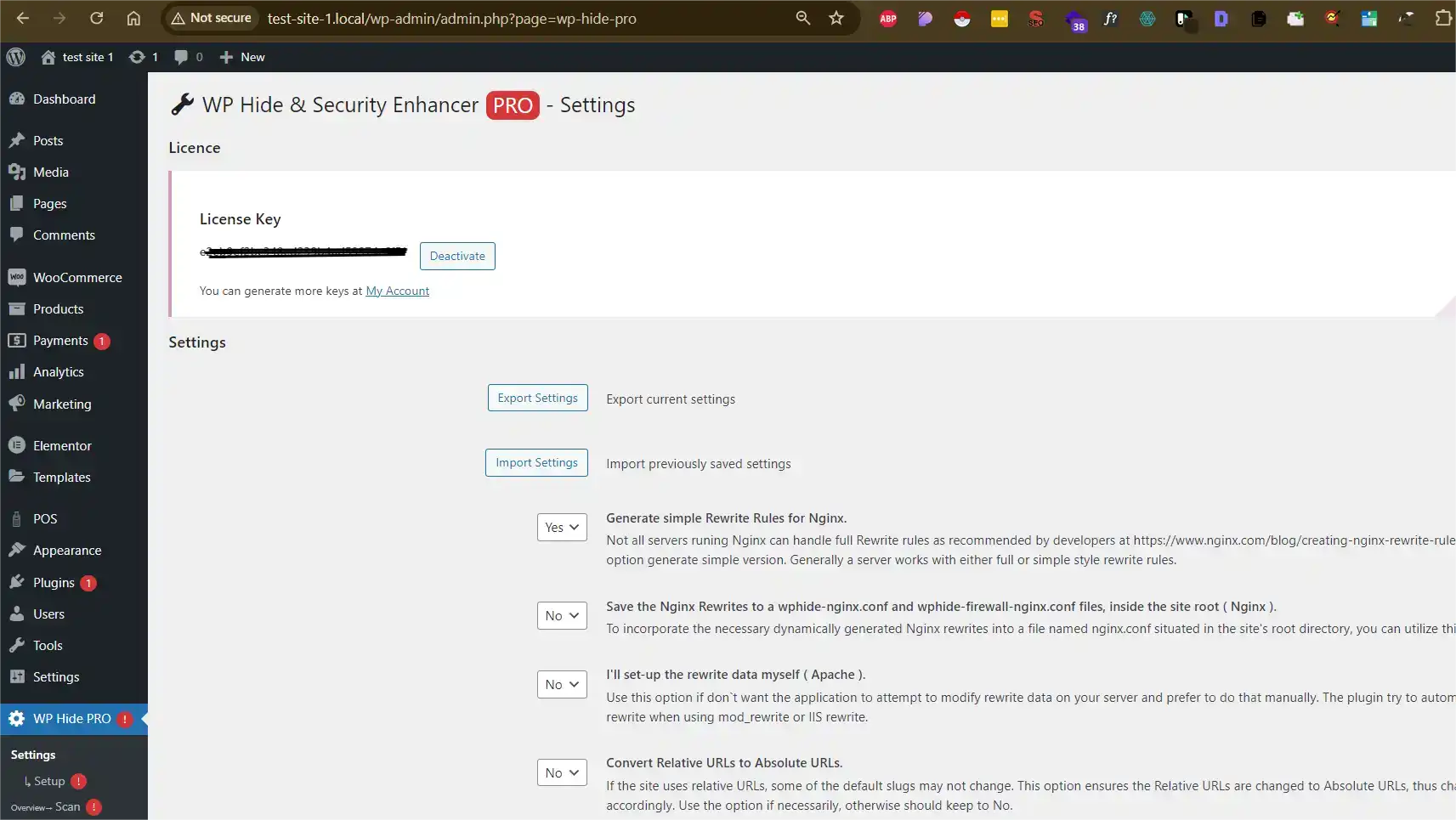
WP Hide and Security Enhancer PRO is a WordPress security plugin focused on reducing how much of your site’s internal structure is publicly visible. Instead of acting as a firewall or malware scanner, it works by obscuring default WordPress patterns that are commonly targeted by automated attacks.
This page explains what actually changes after the plugin is enabled, how it behaves in real WordPress environments, and when it is appropriate to use it as part of a broader security setup.
Many WordPress attacks do not begin with exploits. They begin with identification. Default URLs, file paths, plugin signatures, and predictable responses make it easier for bots and attackers to recognize a WordPress site and probe for weaknesses.
WP Hide and Security Enhancer PRO is used to reduce that exposure by altering how WordPress presents itself externally. The goal is not absolute protection, but lowering visibility and attack surface.
After you download and activate WP Hide and Security Enhancer PRO, the site continues to function normally for visitors and administrators. The changes are primarily structural and external-facing.
In practical terms:
These adjustments are designed to reduce automated targeting without affecting usability.
WP Hide and Security Enhancer PRO does not replace firewalls, login protection, or malware scanning tools. Instead, it operates at a different layer.
It does not:
Its role is structural hardening through concealment, which is why it is often used alongside other security solutions rather than on its own.
This plugin is typically installed after:
Developers and site owners often apply it as an additional layer to reduce exposure once a site is stable and in production.
Because this plugin alters URLs and paths, configuration should be done carefully.
Best-practice usage includes:
When used responsibly, these changes are reversible and do not affect content or database integrity.
WP Hide and Security Enhancer PRO is commonly used on:
In these cases, the plugin’s value lies in reducing predictability rather than adding visible security features.
To install the plugin on your WordPress site:
After activation, review each option carefully and avoid enabling multiple changes without testing.
Before enabling structural changes on a live site:
These precautions reduce the risk of lockouts or unintended side effects.
Does this plugin secure my site by itself?
No. It reduces visibility but should be combined with other security measures.
Can changes be reverted?
Yes. Most modifications can be undone through the plugin settings.
Will this affect SEO or site content?
No. It does not change posts, pages, or public URLs when configured correctly.
Is it compatible with recent WordPress versions?
Yes. Updates focus on maintaining compatibility with current WordPress releases.
Version 8.4.2
For Installation or Technical Related Queries check FAQ Page
Our Website also have older version of the plugins and theme. So you can test your website with compatible plugins or Rollback plugins in case of any bug or compatibility issues.
UNZIP the file downloaded from our website, the zip file might contain other files like Template, Docs etc. So make sure you upload correct file.
To Install Plugins:
To Install Themes:
Sometimes theme/plugin might ask you for license, just ignore. Because we have already activated the product with out legal key, which we have purchased for you.
When a New version appears and is available on our website you’ll find it in My Account “Downloads section”.
For Destination Already Exists error:
Make sure to Delete the version of theme/plugin that you have on your website before you upload our premium version, it might cause a conflict during installation and activation.
Or WordPress will say “destination already exists” when trying to upgrade using a zip file and will fail to upgrade the theme or plugin.
If you faced “destination already exists” error installing this Plugin will solve the issue – Easy Theme and Plugin Upgrades.
Our business hours are Monday to Saturday from 10:00 am to 8:00 pm, any request made outside these hours will be answered until next business day. Support and Updates can take 24 to 48 hours. Support provided is for product installation. Please be aware of possible time zone differences when waiting for our reply.
If you have any Queries, Feel Free to Contact Us:
Abuse Warning:
For more information please read FAQs & Terms of Use.