Get upto 60% Discount

Get upto 60% Discount
Unlimited Access:
$10.00 Original price was: $10.00.$2.99Current price is: $2.99.
Available Download Files

Tired of Restrictions?
Go Unlimited!
Join Our Membership to Download 8400+ Plugins & Themes

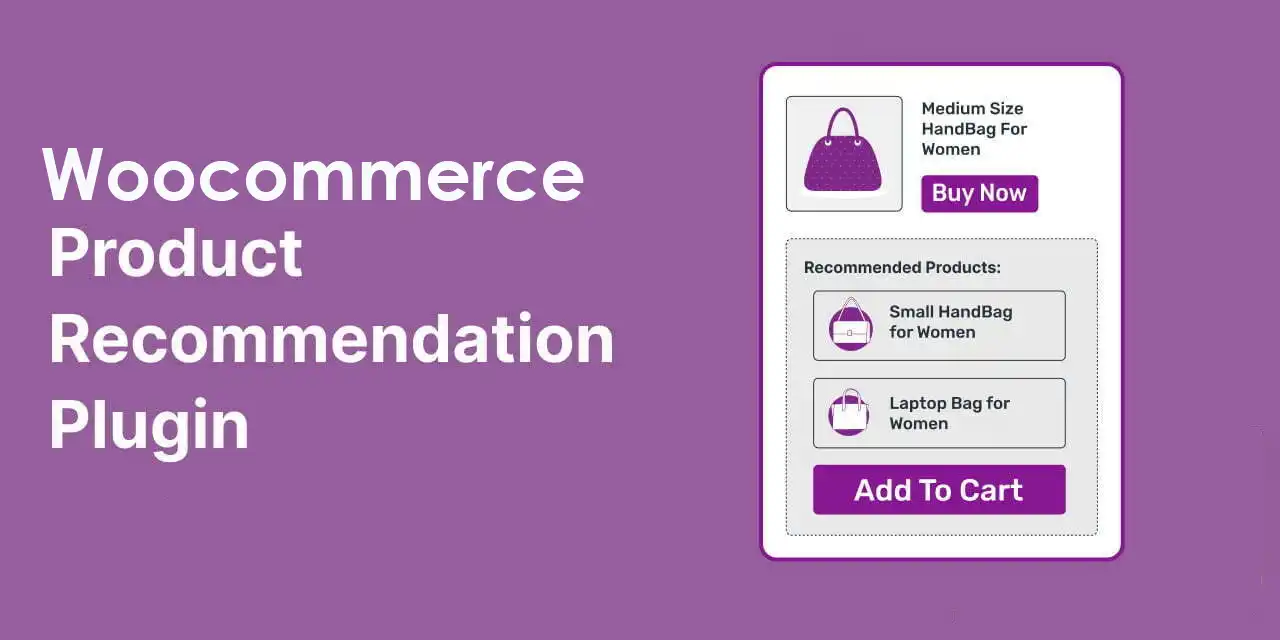
Most WooCommerce stores already have “related products” somewhere, yet the results often feel random. Customers see items that share a category, not items that actually help them complete a purchase. Product Recommendations for WooCommerce is built for that gap. It lets you define recommendation logic that matches how people shop: “If you buy this, you probably need that,” “If you viewed this, compare with these,” or “If your cart looks like this, add one more thing.”
The value is not just showing more products. It is controlling when and why a recommendation appears, so it supports a decision instead of distracting from it.
Product Recommendations for WooCommerce gives you rule-based product suggestions across key store touchpoints. You can build recommendation “engines” that trigger on cart contents, viewed products, purchase history, categories, tags, attributes, and other signals depending on your setup.
In practice, this means you can move from generic cross-sells to predictable merchandising. Accessories can appear only when they fit the selected variation. Refill items can show after a customer buys a starter kit. Higher-margin alternatives can show on product pages without rewriting templates for each SKU.
When implemented carefully, recommendations become part of your store’s information architecture. They guide discovery, reduce dead-end browsing, and help customers self-serve comparisons.
Manual cross-sells work until your catalog grows. Then they become inconsistent, outdated, and hard to audit. Staff changes lead to different merchandising habits. Seasonal products linger in cross-sell slots long after inventory is gone.
Default WooCommerce tools also tend to be page-by-page. You can attach upsells and cross-sells to a product, but you cannot easily express rules like “show compatible add-ons for any product in this attribute set” or “recommend a bundle when cart subtotal crosses a threshold.”
Product Recommendations for WooCommerce is most useful when your store needs repeatable logic. It is less about adding a widget and more about making merchandising maintainable.
The common mistake is to add recommendations everywhere. That often reduces conversion because shoppers lose focus. A better approach is to pick one or two high-intent placements and make them consistently helpful.
On product pages, use recommendations for compatibility and comparison. In the cart, use them for completion and convenience. Post-purchase, use them for replenishment or accessories that make sense after ownership begins.
If you cannot describe the rule in one sentence, it is usually too broad. “Show matching accessories for products in Category X” is clear. “Show anything from Category X or Y unless the customer is logged out and the cart contains Z” may become hard to troubleshoot later.
Recommendations that ignore stock status, shipping constraints, or variation compatibility can damage trust. If your store sells items with strict fit or size rules, build around attributes and taxonomy rather than loosely related categories.
WooCommerce’s built-in upsells and cross-sells are fine for a small catalog or a store with a few hero products. They are also straightforward when you want complete editorial control on a handful of pages.
Product Recommendations for WooCommerce becomes the better fit when you need consistency at scale. Instead of editing hundreds of products, you define logic once and apply it across the catalog. That reduces drift over time and makes it easier to run structured tests, because the recommendation set is generated by rules rather than manual curation.
If you already rely on custom theme templates or page builders to place product grids, this plugin can also reduce template complexity. You can place recommendation outputs where they belong and let the rules decide what appears.
Recommendations can quietly influence how search engines and users discover products. When you surface relevant internal links from high-traffic pages (product pages, cart, checkout sidebars where appropriate), you create additional paths into deeper catalog items.
That said, more links are not automatically better. Over-linking to near-duplicates can dilute signals and create duplicate-intent pathways. A practical approach is to keep recommendation blocks tight and purposeful. Fewer, more relevant products tends to improve click quality and reduces the risk of sending crawlers into endless “also bought” loops.
For large catalogs, rules-based recommendations also reduce maintenance overhead. You spend time improving a rule, not re-editing product metadata. That is usually where teams feel the biggest operational win.
If you are looking for a Product Recommendations for WooCommerce download, treat it like any conversion-critical plugin. Download from a trusted source, verify the file integrity where possible, and keep a clean update path so you can patch quickly.
Take a quick backup and confirm your WooCommerce version is compatible. If you run heavy caching or object caching, note it so you can clear caches after activation.
In WordPress, go to Plugins, Add New, then Upload Plugin. Upload the ZIP, install, and activate. After activation, review the plugin’s settings and create a first recommendation rule with a narrow scope so you can validate output.
Check a few product pages and the cart with realistic test products. Confirm recommendations respect stock status, variations, and any catalog visibility rules you rely on. If your theme has custom WooCommerce templates, verify the placement displays correctly on mobile.
When you perform a Product Recommendations for WooCommerce download and install it on a live store, schedule the change during a low-traffic window. Recommendations touch high-intent pages, so you want time to verify layout and logic.
If compatibility depends on a selected variation, category-based rules can be too broad. Use attributes or tags that map to compatibility, and test multiple variations. Otherwise you may recommend the right accessory for one variation and the wrong one for another.
Stores often forget that recommendation rules can outlive inventory. Make sure your rule logic or display settings exclude out-of-stock products if that matches your merchandising policy.
It is easy to stack “related,” “upsells,” “frequently bought together,” and “recently viewed.” Pick the single block that matches the page’s job. Product pages are for decision-making. The cart is for completion. Mixing both intents on the same page can reduce clarity.
It can, but it does not have to. Many stores keep manual upsells for a few flagship products and use rules-based recommendations everywhere else. The best setup depends on how much editorial control you need per SKU.
They can, depending on your rules. If you base recommendations on product relationships (categories, tags, attributes), the output is consistent. If you use signals like cart contents or purchase history, the recommendations can change per session or customer behavior.
Yes, placement is a practical part of success. Aim for one primary recommendation area per page type. Test on mobile first, because crowded grids can push important content below the fold.
This usually comes down to taxonomy hygiene. If categories and tags are too broad, the rule will be too broad. Tighten the underlying product data first, then refine the rule. Also confirm you are not pulling in hidden or excluded catalog items.
It depends on what you mean by personalization. Rules-based recommendations can feel personalized when they react to cart contents or browsing context. If you need advanced predictive models, segmentation, or off-site behavioral targeting, you may need additional tooling. Many stores overestimate what recommendations alone can do without clean product data and a clear merchandising strategy.
Test at least: a best-selling product, a low-stock product, a variable product with multiple options, and a product that should not display recommendations. Confirm the recommendation block does not slow down page rendering and that it behaves correctly with caching.
If your store has a small catalog and you update product pages frequently, manual upsells and cross-sells may be simpler and just as effective. The plugin shines when you want repeatable logic, cleaner maintenance, and recommendations that stay accurate as your catalog changes.
For stores ready to systematize merchandising, a careful Product Recommendations for WooCommerce download and a measured rollout across a few high-impact pages can deliver more than another “related products” grid. It gives you a framework to make recommendations intentional.
For Installation or Technical Related Queries check FAQ Page
Our Website also have older version of the plugins and theme. So you can test your website with compatible plugins or Rollback plugins in case of any bug or compatibility issues.
UNZIP the file downloaded from our website, the zip file might contain other files like Template, Docs etc. So make sure you upload correct file.
To Install Plugins:
To Install Themes:
Sometimes theme/plugin might ask you for license, just ignore. Because we have already activated the product with out legal key, which we have purchased for you.
When a New version appears and is available on our website you’ll find it in My Account “Downloads section”.
For Destination Already Exists error:
Make sure to Delete the version of theme/plugin that you have on your website before you upload our premium version, it might cause a conflict during installation and activation.
Or WordPress will say “destination already exists” when trying to upgrade using a zip file and will fail to upgrade the theme or plugin.
If you faced “destination already exists” error installing this Plugin will solve the issue – Easy Theme and Plugin Upgrades.
Our business hours are Monday to Saturday from 10:00 am to 8:00 pm, any request made outside these hours will be answered until next business day. Support and Updates can take 24 to 48 hours. Support provided is for product installation. Please be aware of possible time zone differences when waiting for our reply.
If you have any Queries, Feel Free to Contact Us:
Abuse Warning:
For more information please read FAQs & Terms of Use.