Get upto 60% Discount

Get upto 60% Discount
Unlimited Access:
$10.00 Original price was: $10.00.$2.99Current price is: $2.99.
Available Download Files

Tired of Restrictions?
Go Unlimited!
Join Our Membership to Download 8400+ Plugins & Themes

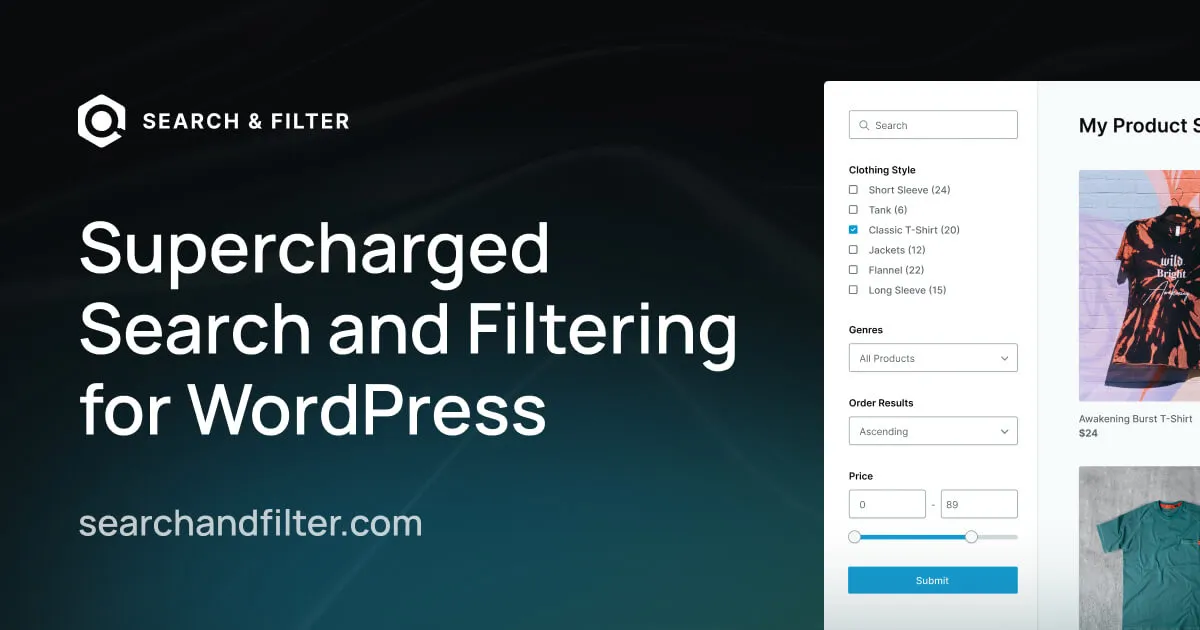
Search & Filter Pro is a WordPress plugin built to control how users discover content across complex websites. It is commonly used on sites where default WordPress search and category filtering are no longer sufficient, such as directories, stores, large blogs, or content-heavy platforms.
This page explains how the plugin behaves once installed, how advanced filtering actually works in real WordPress environments, and how to use it without harming performance, indexing, or user experience.
WordPress works well for small sites, but discovery becomes a problem as content grows. Categories and tags alone cannot handle multi-dimensional queries, and the default search offers limited control over relevance and structure.
Typical problems include:
Search & Filter Pro is usually introduced when content volume increases and navigation becomes a usability issue rather than a design issue.
After installation, WordPress continues to manage content, taxonomies, and URLs as usual. The change happens at the query and interface level.
In real-world usage:
The plugin enhances how queries are constructed and displayed without altering stored content.
Search & Filter Pro operates by modifying WordPress queries based on user-selected parameters. It does not duplicate content or create parallel data structures.
Key technical implications:
This approach makes it suitable for sites that care about crawlability and long-term maintainability.
Search & Filter Pro is usually added after:
Developers often treat it as an interaction layer that improves how users explore content rather than a feature that defines content itself.
Advanced filtering introduces SEO questions if implemented poorly. When configured correctly, this plugin helps rather than harms search visibility.
Best-practice considerations include:
Search & Filter Pro provides the flexibility needed to manage these concerns without forcing indexation of low-value URLs.
This plugin is commonly used on:
In each case, the goal is to reduce friction between user intent and relevant content.
To install the plugin on your WordPress site:
After activation, filters should be added gradually and tested against real content queries.
Does advanced filtering slow down a site?
When configured correctly, queries remain efficient and compatible with caching.
Will filtered pages affect SEO?
Only if misconfigured. Index control and intent alignment are key.
Can it work with page builders?
Yes. It is commonly used alongside modern builders and custom templates.
Is it compatible with recent WordPress versions?
Yes. Updates focus on compatibility and query stability.
Version 3.2.3
For Installation or Technical Related Queries check FAQ Page
Our Website also have older version of the plugins and theme. So you can test your website with compatible plugins or Rollback plugins in case of any bug or compatibility issues.
UNZIP the file downloaded from our website, the zip file might contain other files like Template, Docs etc. So make sure you upload correct file.
To Install Plugins:
To Install Themes:
Sometimes theme/plugin might ask you for license, just ignore. Because we have already activated the product with out legal key, which we have purchased for you.
When a New version appears and is available on our website you’ll find it in My Account “Downloads section”.
For Destination Already Exists error:
Make sure to Delete the version of theme/plugin that you have on your website before you upload our premium version, it might cause a conflict during installation and activation.
Or WordPress will say “destination already exists” when trying to upgrade using a zip file and will fail to upgrade the theme or plugin.
If you faced “destination already exists” error installing this Plugin will solve the issue – Easy Theme and Plugin Upgrades.
Our business hours are Monday to Saturday from 10:00 am to 8:00 pm, any request made outside these hours will be answered until next business day. Support and Updates can take 24 to 48 hours. Support provided is for product installation. Please be aware of possible time zone differences when waiting for our reply.
If you have any Queries, Feel Free to Contact Us:
Abuse Warning:
For more information please read FAQs & Terms of Use.