Get upto 60% Discount

Get upto 60% Discount
Unlimited Access:
$15.00 Original price was: $15.00.$4.99Current price is: $4.99.
Available Download Files

Tired of Restrictions?
Go Unlimited!
Join Our Membership to Download 8400+ Plugins & Themes

Yoast SEO Pro, officially known as Yoast SEO Premium, is a professional WordPress SEO plugin built for site owners who want structured optimization, content consistency, and long-term search visibility — not just basic meta tags.
If you’re searching for a Yoast SEO Pro download, it usually means one of three things:
This guide explains what Yoast SEO Pro actually adds, who should use it, where it fits best, and how to approach downloading and using it safely.
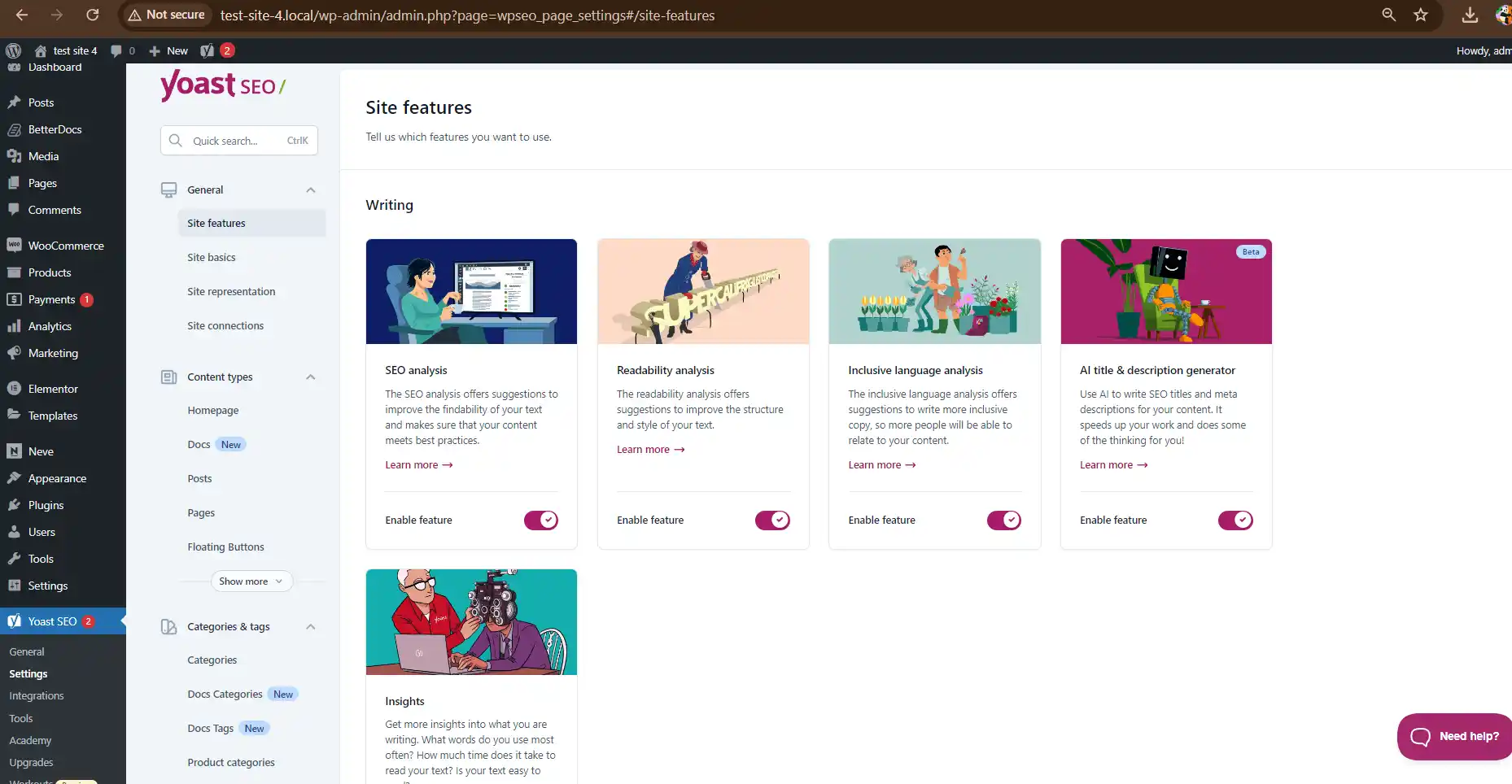
Yoast SEO Pro is not just “more features.” It focuses on decision support — helping writers, editors, and site owners make consistent SEO choices across hundreds or thousands of pages.
Key differences include:
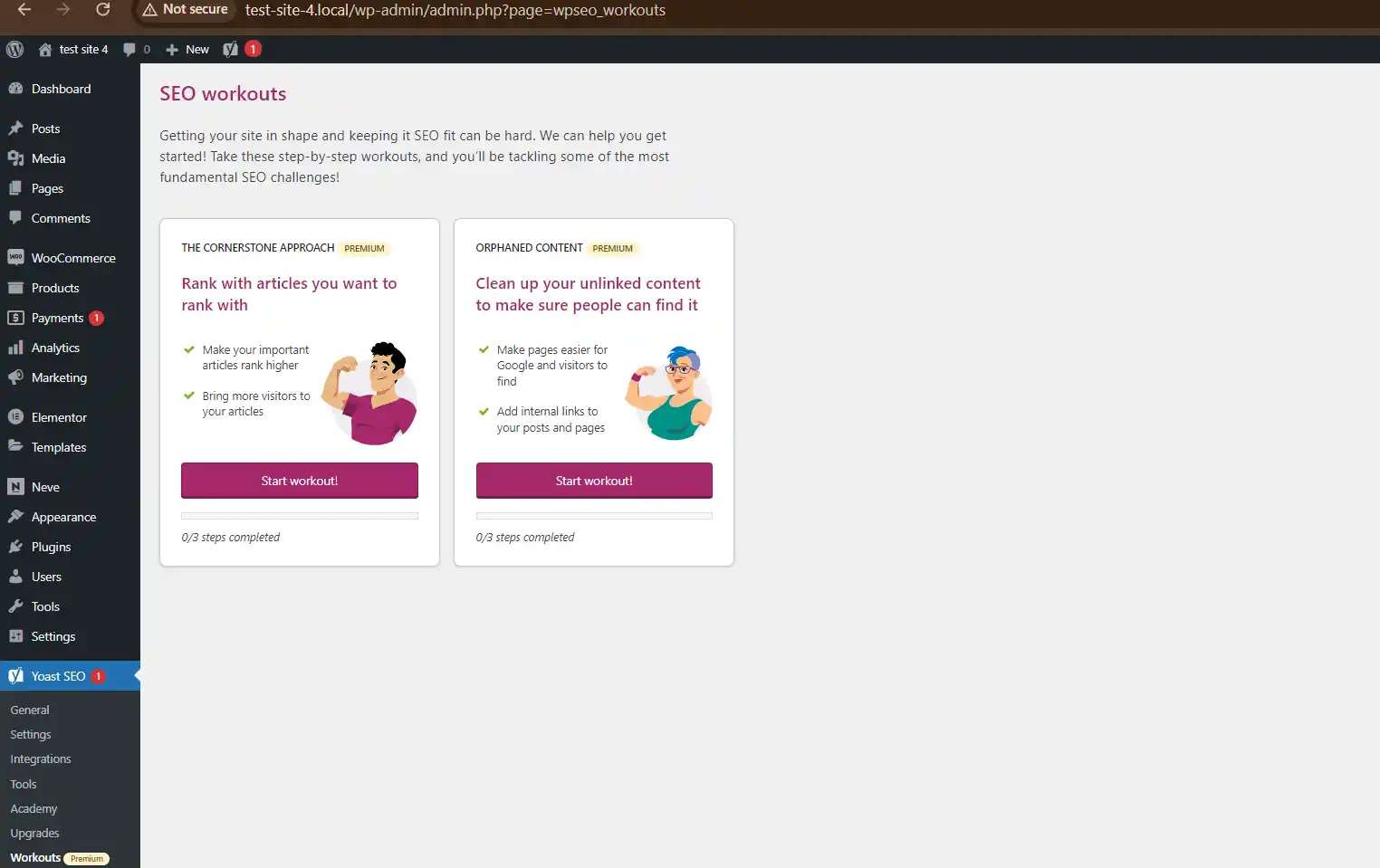
For sites publishing regularly, these additions reduce SEO errors, orphaned pages, and inconsistent optimization.
Yoast SEO Pro allows you to optimize content around primary and secondary search terms in a controlled way.
Where this matters:
Instead of chasing one keyword per page, the plugin helps maintain semantic relevance without over-optimization.
Internal linking is one of the most underused ranking levers.
Yoast SEO Pro analyzes your existing content and suggests contextually relevant internal links while you write.
Why this matters for SEO:
This is especially valuable for large sites, blogs, and knowledge bases where manual linking becomes inconsistent over time.
Deleting or changing URLs without redirects causes ranking loss.
Yoast SEO Pro includes a redirect manager that:
This is critical during:
Search engines rely on structured data to understand content.
Yoast SEO Pro simplifies schema markup for:
Instead of adding schema manually or stacking extra plugins, Yoast handles this within a unified SEO system, reducing conflicts.
Yoast’s content insights go beyond simple scores.
It evaluates:
This is useful for teams producing content collaboratively, where quality consistency matters more than individual writing styles.
While Yoast SEO Premium covers core on-page and internal SEO needs, Yoast also offers specialized add-ons designed for specific site types and content formats.
These add-ons are built to extend Yoast’s core SEO framework, not replace it. Each one focuses on a narrow use case where standard SEO settings are not enough.
Yoast WooCommerce SEO
Built for online stores, this add-on improves product schema, breadcrumb structure, and indexation of shop pages to help products appear correctly in search results. You can check Yoast WooCommerce SEO Premium.
Yoast Local SEO
Designed for location-based businesses, it helps search engines understand addresses, opening hours, and local business data for better visibility in local search results.
Yoast News SEO
Ideal for news and magazine websites, this add-on optimizes articles for Google News, improves crawl prioritization, and supports faster indexing of fresh content.
Yoast Video SEO
Helps video content get indexed properly by adding video-specific schema and improving visibility in video search results.
You should consider Yoast add-ons if your site:
Each add-on works alongside Yoast SEO Pro, allowing you to tailor SEO behavior based on how your site actually operates — not a one-size-fits-all setup.
Yoast SEO Pro is best suited for:
Content-heavy blogs and editorial sites
Business websites focused on organic lead generation
Documentation, knowledge base, and tutorial platforms
Agencies managing SEO across multiple WordPress sites
It may be overkill for:
Single-page websites
Temporary landing pages
Hobby sites with minimal content growth
When users search for Yoast SEO Pro download, they are typically looking for:
SEO plugins integrate deeply with your site. Using unstable or altered versions can cause:
Yoast focuses on:
There is no “best” plugin universally — only the best fit for how you publish content.
If your goal is sustainable rankings, clean internal structure, and consistent on-page SEO, Yoast SEO Pro remains one of the most reliable tools in the WordPress ecosystem.
It’s not about shortcuts or hacks — it’s about building SEO into your content workflow, so every page contributes to long-term visibility.
For Installation or Technical Related Queries check FAQ Page
Our Website also have older version of the plugins and theme. So you can test your website with compatible plugins or Rollback plugins in case of any bug or compatibility issues.
UNZIP the file downloaded from our website, the zip file might contain other files like Template, Docs etc. So make sure you upload correct file.
To Install Plugins:
To Install Themes:
Sometimes theme/plugin might ask you for license, just ignore. Because we have already activated the product with out legal key, which we have purchased for you.
When a New version appears and is available on our website you’ll find it in My Account “Downloads section”.
For Destination Already Exists error:
Make sure to Delete the version of theme/plugin that you have on your website before you upload our premium version, it might cause a conflict during installation and activation.
Or WordPress will say “destination already exists” when trying to upgrade using a zip file and will fail to upgrade the theme or plugin.
If you faced “destination already exists” error installing this Plugin will solve the issue – Easy Theme and Plugin Upgrades.
Our business hours are Monday to Saturday from 10:00 am to 8:00 pm, any request made outside these hours will be answered until next business day. Support and Updates can take 24 to 48 hours. Support provided is for product installation. Please be aware of possible time zone differences when waiting for our reply.
If you have any Queries, Feel Free to Contact Us:
Abuse Warning:
For more information please read FAQs & Terms of Use.